
Passport-size photo with Name and Date
This advanced tool allows you to easily add your Passport Photo with Name and Date (DOB / Photo Date / Custom Date) to your passport-size photo, then download an HD file in the Required Pixel Size and Required File Size. It will provide you with high-quality images suitable for uploading to various online forms, such as those for Railways, NEET, or JEE.
Passport Photo Maker (Pro)
Photo Preview
Photo with Name and Date: Uses This Photo
Passport-sized photographs that include the name and date are used for many purposes.Like filling online forms, government forms, teachers, military, NEET, JEE exams etc.
- Online Vacancy Forms
- Government Scheme
- Schools & Colleges
- Banking & Finance etc.
- Railway
How To Add Name and Date On Photo
- Step 1: Select Your Photo
- Step 2: Enter the name you want to add to your photo.
- Step 3: Select the date you want to print.
- Step 4: Fill in the pixels you want to keep from your photo.
- Step 5: The size in KB in which you want to download it
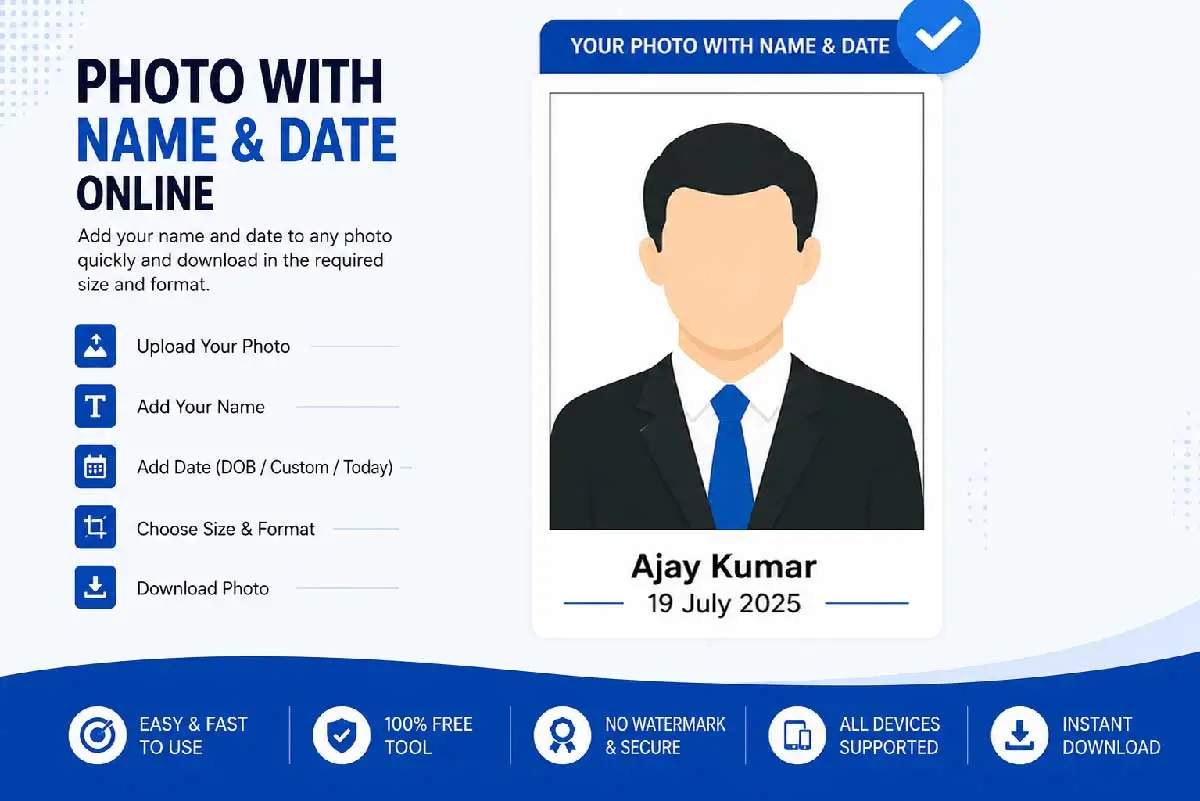
इस टूल की सहायता से आप किसी भी ऑनलाइन फॉर्म के लिए अपनी पासपोर्ट साइज़ फोटो को बना सकते हैं जिसमे आप आपना नाम और कस्टम डेट जैसे की फोटो खिचवाने की डेट या जन्म तिथि प्रिंट हो जाएँगी
Other Latest Notifications
- Bank of Baroda LBO Recruitment Online Form 2026
- CSBC bihar police constable Result 2026 – Check Now
- MP High Court Assistant Grade-III Recruitment 2026
- IBPS Clerk (CSA) Online Form 2026 – Start
- New PAN Card Apply | Get e-PAN Card in 2 Hours
- BSUSC Bihar Assistant Professor Vacancy 2026